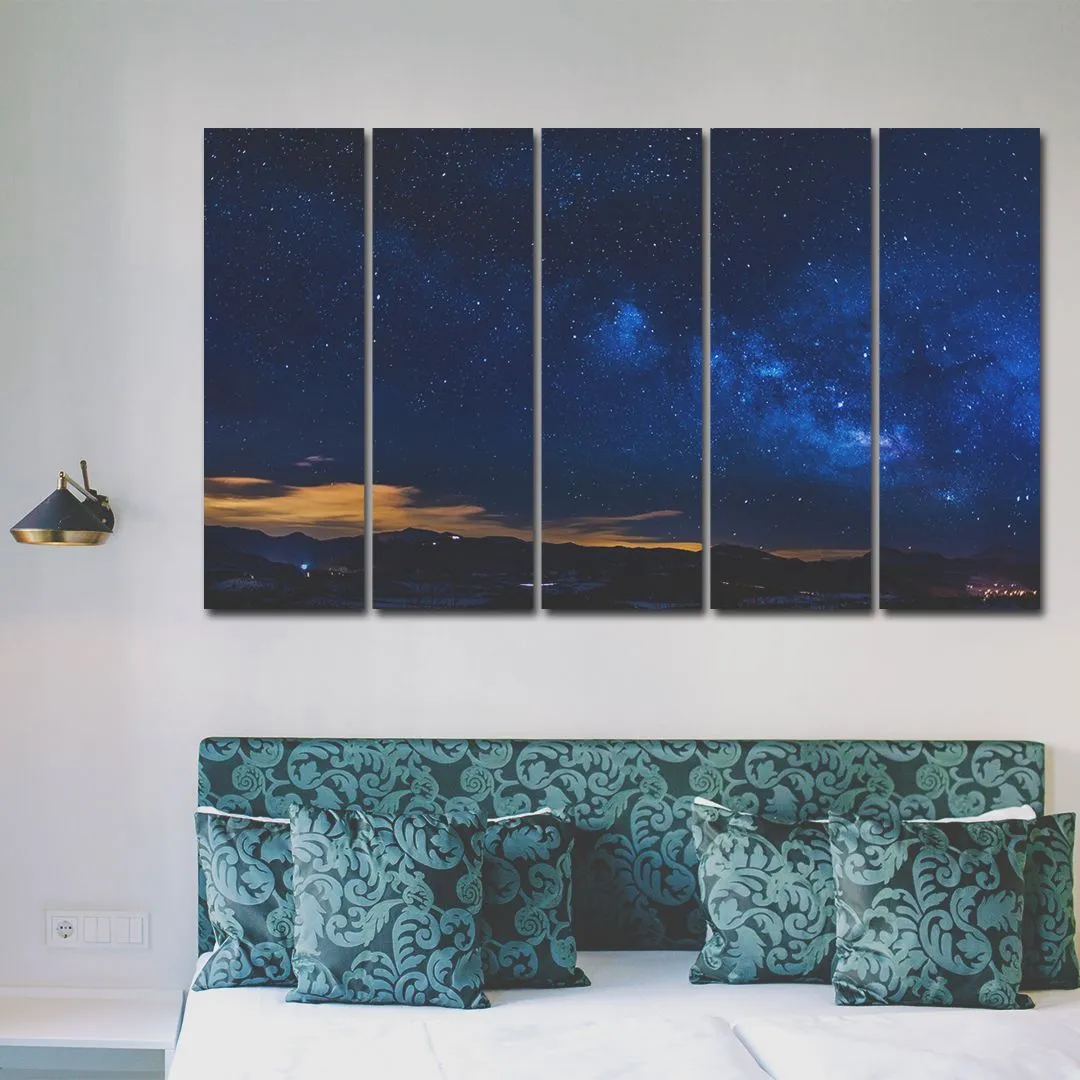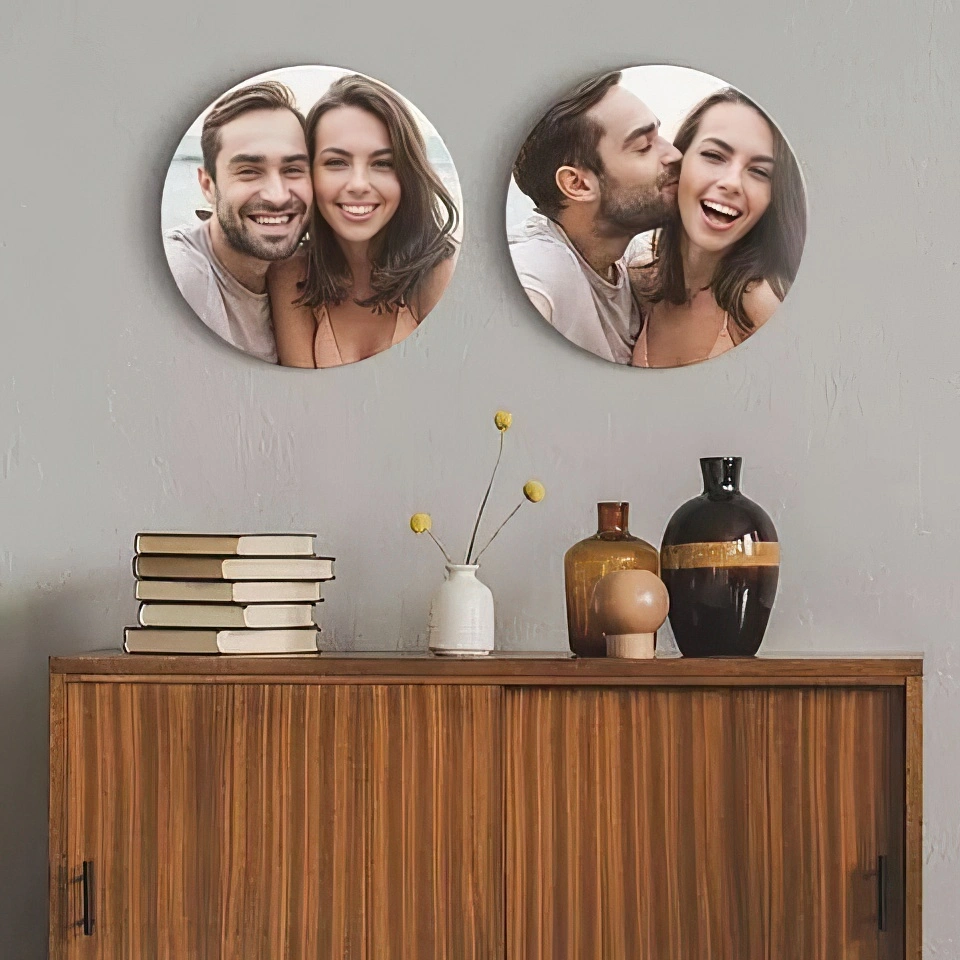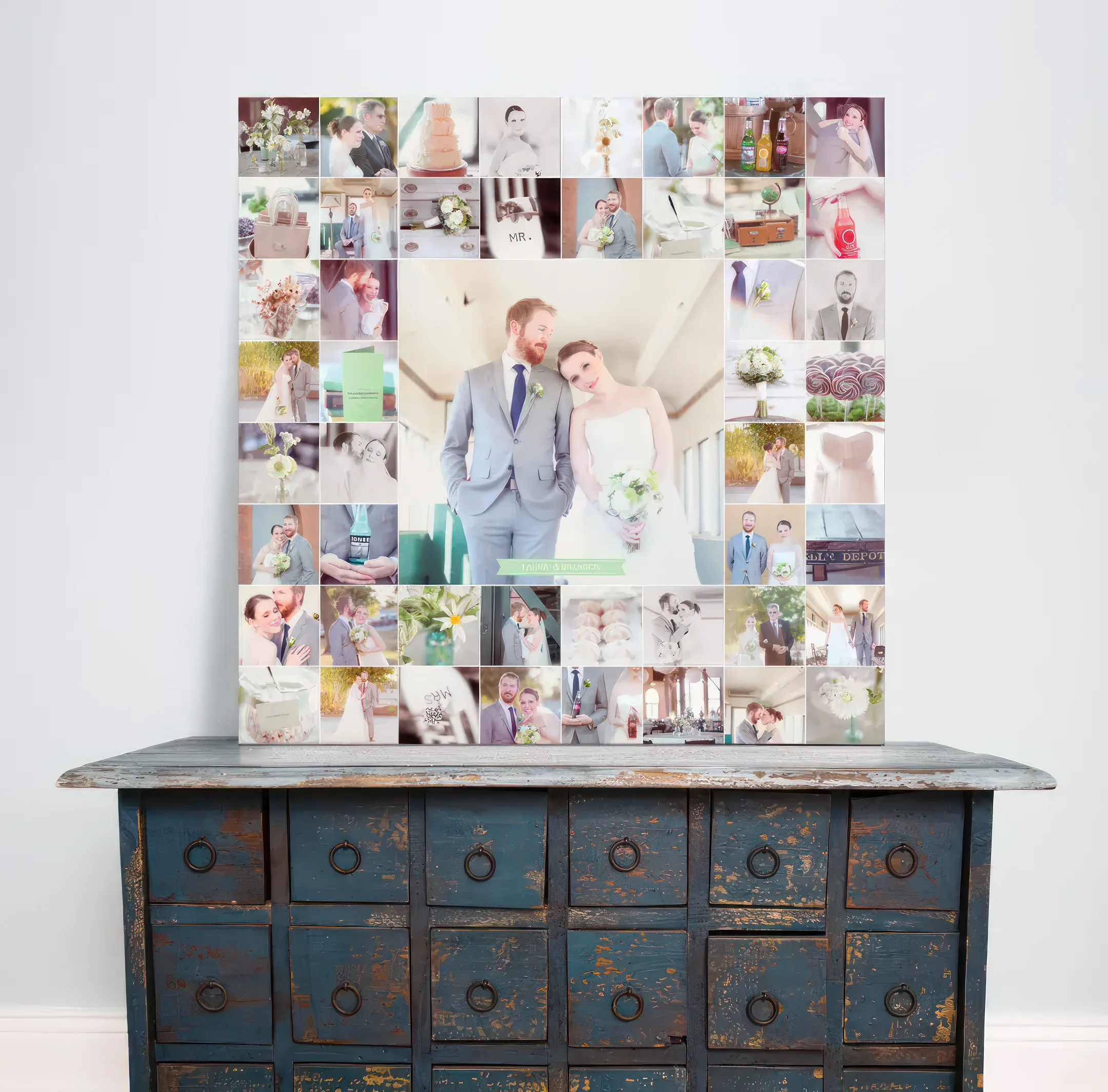

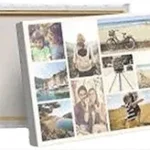
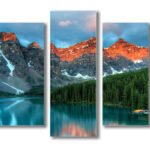


Acrylic photo prints offer a creative way to take the photographs stored on your phone and turn them into personalized pieces of wall art. That favorite family portrait, unforgettable holiday photograph, wedding memory, picture of your pet, or beautifully captured sunset does not have to remain buried among thousands of images in your gallery.
With the right photograph, preparation, size and finish, your digital memory can become a physical artwork designed to take pride of place in your home.
At CanvasJet, you can transform your own photographs into custom acrylic prints with a sleek, modern finish. With options for different sizes, thicknesses, mounting styles and image enhancement, CanvasJet makes it easier to take a photograph from your phone and turn it into artwork made for your space.
Why Turn Your Phone Photos Into Acrylic Wall Art?
Smartphones have changed the way we capture memories. Birthdays, family gatherings, holidays, anniversaries, celebrations, pets and everyday moments are constantly being saved to our camera rolls.
But most of these photographs remain digital.
Printing your favorite images gives them a more permanent place in your life. Instead of scrolling through your gallery whenever you want to revisit a memory, you can display that photograph where you can see it every day.
Acrylic is particularly well suited to photography because its sleek surface can give photographs vibrant colors, sharp details and a contemporary appearance. CanvasJet uses UV printing technology for its acrylic prints to produce high-definition imagery with a modern finish.
Whether you want to create a statement piece for your living room or a collection of personal photographs for a hallway, acrylic photo printing can turn everyday memories into meaningful decor.
Step 1: Find the Right Photograph in Your Phone Gallery
The first step is choosing the image you want to print.
You do not necessarily need a professionally photographed image. A well-composed smartphone photograph can make beautiful wall art when it has sufficient resolution and good visual quality.
Look through your gallery for photographs with:
- Good lighting
- Clear subjects
- Sharp details
- Strong composition
- Balanced colors
- Minimal blur
- Personal or emotional significance
Think about the story behind the photograph as well.
A family portrait could become a focal point in the living room. A wedding photograph could add a personal touch to your bedroom. A travel photograph could bring color and personality to a hallway or home office.
The best photograph is often not the most technically perfect one. It is the one you genuinely want to see every day.
Step 2: Check the Quality of Your Photo
A photograph may look sharp on your smartphone screen but appear less detailed when enlarged.
This is particularly important when creating a large acrylic print because increasing the size of an image can make issues with resolution, blur or compression more noticeable.
Before uploading your photograph, check whether you have the original image file rather than a compressed version downloaded from WhatsApp, social media or another messaging platform.
Pay attention to:
Resolution
Higher-resolution images generally provide greater flexibility when printing larger artwork.
Sharpness
Zoom into the photograph and check whether important details remain clear.
Lighting
Make sure the main subject is not excessively dark or overexposed.
Composition
Consider whether the photograph will still look balanced after cropping to your chosen print dimensions.
For large acrylic prints, CanvasJet recommends using high-resolution images to achieve the best possible result.
Step 3: Choose the Right Orientation
Before creating your acrylic print, consider the orientation of your photograph.
Your image may be:
- Portrait
- Landscape
- Square
- Panoramic
The orientation should complement both the photograph and the wall where you intend to display it.
For example, a vertical family or wedding portrait may look best in portrait orientation, while a landscape photograph of a beach, mountain range or city skyline could work beautifully in a wider format.
Avoid forcing a photograph into an unsuitable shape if it means cutting out an important part of the image.
Step 4: Decide Where You Want to Display It
Knowing where your acrylic photo print will go can make choosing the right size and orientation much easier.
Living Room
A large family photograph, travel image or landscape can become a focal point above a sofa, console or feature wall.
Bedroom
Couple portraits, wedding photographs and calming travel images can add a personal touch to bedroom interiors.
Hallway
A series of smaller acrylic prints can create a personalized gallery wall along a hallway.
Home Office
Architectural photography, travel memories or creative images can add character to your workspace.
Dining Area
Family photographs and artistic images can create a more personal dining environment.
Children’s Room
Family memories, playful photographs and personalized artwork can make the room feel more individual.
Step 5: Choose the Right Size for Your Acrylic Print
The size of your artwork can significantly influence how it looks in your space.
A small acrylic print may work well on a bedside table, shelf or compact wall, while a large print can become a statement piece above a sofa, bed or dining table.
Before ordering, measure your available wall space.
You can even use removable masking tape to mark the approximate dimensions on your wall. This gives you a better idea of how the finished artwork will look in relation to your furniture.
CanvasJet offers custom sizing options for acrylic prints, allowing you to select dimensions that suit your photograph and available space.
Step 6: Prepare Your Photo Before Printing
Once you have selected your image, review it carefully before uploading it.
You may want to make small adjustments to:
- Brightness
- Contrast
- Exposure
- color balance
- Cropping
- Overall composition
However, avoid excessive editing or filters.
A good rule is to enhance the photograph without changing the character of the original image.
If your photograph requires additional adjustments, CanvasJet offers photo-enhancement services that can help improve or restore images before printing.
Step 7: Upload Your Photograph to CanvasJet
Once your photograph is ready, you can upload it to CanvasJet as part of the custom printing process.
Always choose the highest-quality original version of your photograph available on your phone or computer.
Avoid using screenshots or images that have been repeatedly compressed because they may not provide the same level of detail as the original photograph.
The better the source image, the more flexibility you have when selecting the final print size.
Step 8: Select Your Acrylic Print Specifications
Your photograph is only one part of the finished artwork. You will also need to consider the physical specifications of your acrylic print.
CanvasJet offers acrylic prints in different thicknesses, including 3mm, 5mm and 10mm, along with different mounting options.
You can choose based on:
- Artwork size
- Wall location
- Desired appearance
- Interior style
- Mounting preference
For example, aluminum standoffs can give the artwork a structured contemporary appearance, while hidden hanging systems can create a cleaner, floating effect.
Step 9: Review the Final Design
Before your photograph goes into production, review the final specifications carefully.
Check:
- Image orientation
- Cropping
- Print dimensions
- Position of important subjects
- color balance
- Mounting option
- Overall proportions
This is especially important when printing photographs of people.
You do not want an important part of someone’s face or body to be unintentionally cropped.
CanvasJet also offers a digital proof option where cropping may affect your photograph, allowing you to review the proposed result before printing.
Step 10: Turn Your Digital Memory Into Acrylic Wall Art
Once your image and specifications have been finalized, your photograph can become a physical piece of artwork.
CanvasJet uses UV printing technology to create acrylic prints with vibrant colors, sharp image details and a sleek contemporary finish.
The result is no longer just another photograph sitting inside your phone.
It becomes something tangible that you can display, enjoy and share with the people who matter to you.
What Types of Phone Photos Work Best on Acrylic?
Almost any meaningful photograph can be transformed into acrylic wall art, but certain subjects work particularly well.
Family Photographs
Turn everyday family moments into artwork that becomes part of your home’s story.
Wedding Photographs
Your favorite wedding portrait, candid moment or ceremony photograph can become a lasting display piece.
Travel Memories
Beaches, mountains, city skylines, architectural landmarks and destination photographs can make striking acrylic artwork.
Pet Photography
A favorite photograph of your dog, cat or other companion can become personalized wall decor.
Nature and Landscape Photography
Sunsets, oceans, forests, flowers and dramatic landscapes can benefit from acrylic’s color and clarity.
Architectural Photography
Modern buildings, cityscapes and geometric compositions can complement contemporary interiors particularly well.
Why Acrylic Is a Great Choice for Personal Photographs
Acrylic provides a modern alternative to conventional framed photographs.
Its sleek surface and glossy appearance can enhance color and detail, while the clean presentation works well with contemporary interiors.
CanvasJet’s acrylic printing uses UV technology to produce vibrant, high-definition images. The prints are also available in custom sizes and different mounting configurations, giving you greater flexibility over the finished artwork.
For anyone looking to turn a personal photograph into modern wall decor, acrylic offers a combination of personification, visual impact and contemporary presentation.
Turn Your Phone Gallery Into a personalized Wall
Your phone gallery probably contains hundreds of photographs that mean something to you. Some capture major milestones, while others preserve small moments that you never want to forget.
Instead of leaving those memories buried in your camera roll, choose the ones that deserve to be seen.
The process is simple:
Choose your photo → Check its quality → Select the size → Prepare the image → Upload it → Review the design → Turn it into acrylic wall art.
With CanvasJet, your favorite digital memories can become personalized artwork designed around your home and your story.
Give Your favorite Photograph a Place on Your Wall
Your best photographs deserve more than a place in your phone gallery.
Turn your favorite memories into acrylic photo prints with CanvasJet and create personalized wall art made for your home.
Choose your photograph, select your preferred specifications and let CanvasJet transform your digital memory into a piece you can enjoy every day.
Ready to turn your favorite photo into wall art? Explore CanvasJet’s acrylic printing options today.
Frequently Asked Questions
1. Can I print a photo from my phone on acrylic?
Yes. You can use photographs taken with your smartphone to create custom acrylic photo prints. For the best results, use the original, highest-resolution version of your photograph.
2. What type of photos look best on acrylic?
Family portraits, wedding photographs, travel images, landscapes, pet photographs and architectural images can all work well. Photographs with good lighting, sharp details and strong composition generally produce better results.
3. How do I prepare a phone photo for an acrylic print?
Choose the highest-quality original image, check its resolution and sharpness, select the appropriate orientation and make any necessary adjustments to brightness, contrast, color and cropping.
4. Can I make a large acrylic print from a smartphone photo?
Yes, depending on the resolution and quality of the original image. Higher-resolution photographs provide greater flexibility when creating larger prints.
5. What size should I choose for my acrylic photo print?
The ideal size depends on your wall space, furniture and photograph. Measure the intended display area before ordering and choose dimensions that complement the image’s composition.
6. Can CanvasJet improve my photograph before printing?
Yes. CanvasJet offers optional photo-enhancement services that can help with adjustments, touch-ups and restoration when required.
7. Can I see how my photograph will be cropped before printing?
Yes. CanvasJet offers a digital proof option when cropping could affect the final composition, allowing you to review the proposed result before production.
8. What makes an acrylic photo print different from a regular photo print?
An acrylic print provides a sleek, modern presentation with a glossy surface that can enhance color and image clarity. It can also be displayed without a traditional picture frame.
9. Can I use an old photograph for an acrylic print?
Yes. Old photographs can potentially be printed on acrylic. If an image has scratches, damage, low resolution or other imperfections, photo restoration or enhancement may help improve the final result.
10. How can I turn my phone photo into an acrylic print with CanvasJet?
Choose your favorite photograph, upload the highest-quality version, select your preferred acrylic size and specifications, review the design and complete your order. You can also explore CanvasJet’s photo-enhancement and proofing options if required.